01
Reference
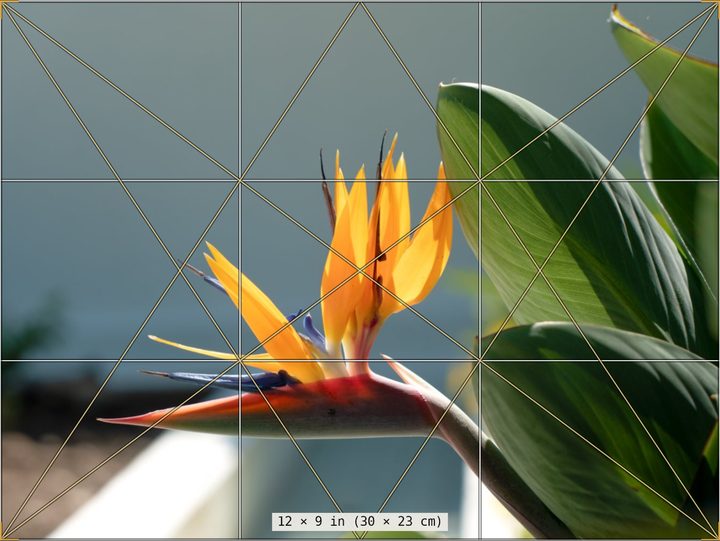
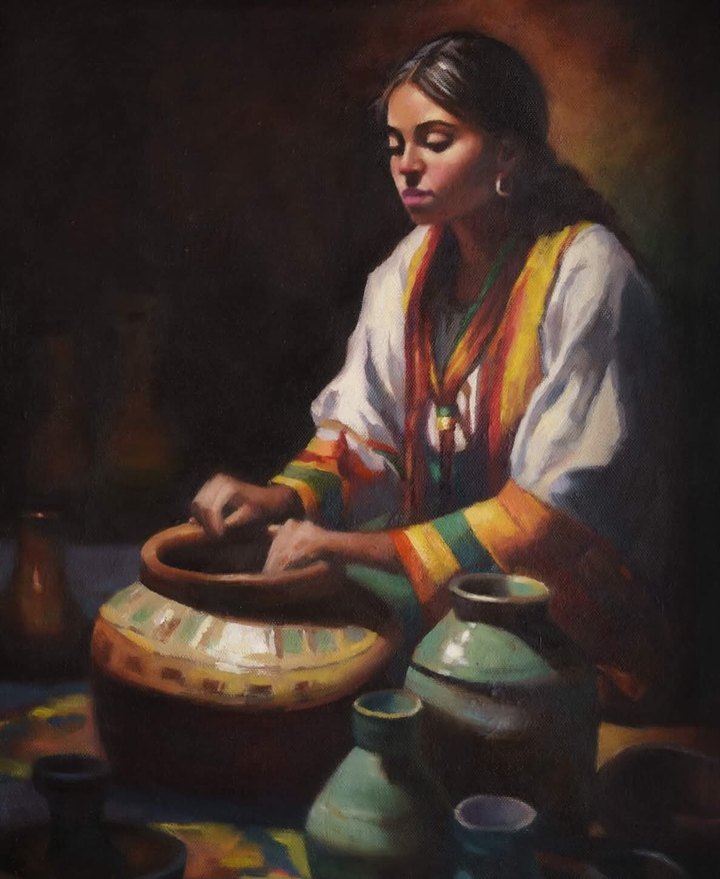
Crop the photo to your canvas size, with rule-of-thirds, grid and armature lines to settle the composition first.
For alla prima oil painters
Alla Prima Primer reads your reference and shows you its values, big shapes, color temperature, edges and paint mixes. You make the hard decisions before the first stroke, then paint in one confident session.
One-time purchase · Launch price, then $39 · 14-day money-back guarantee
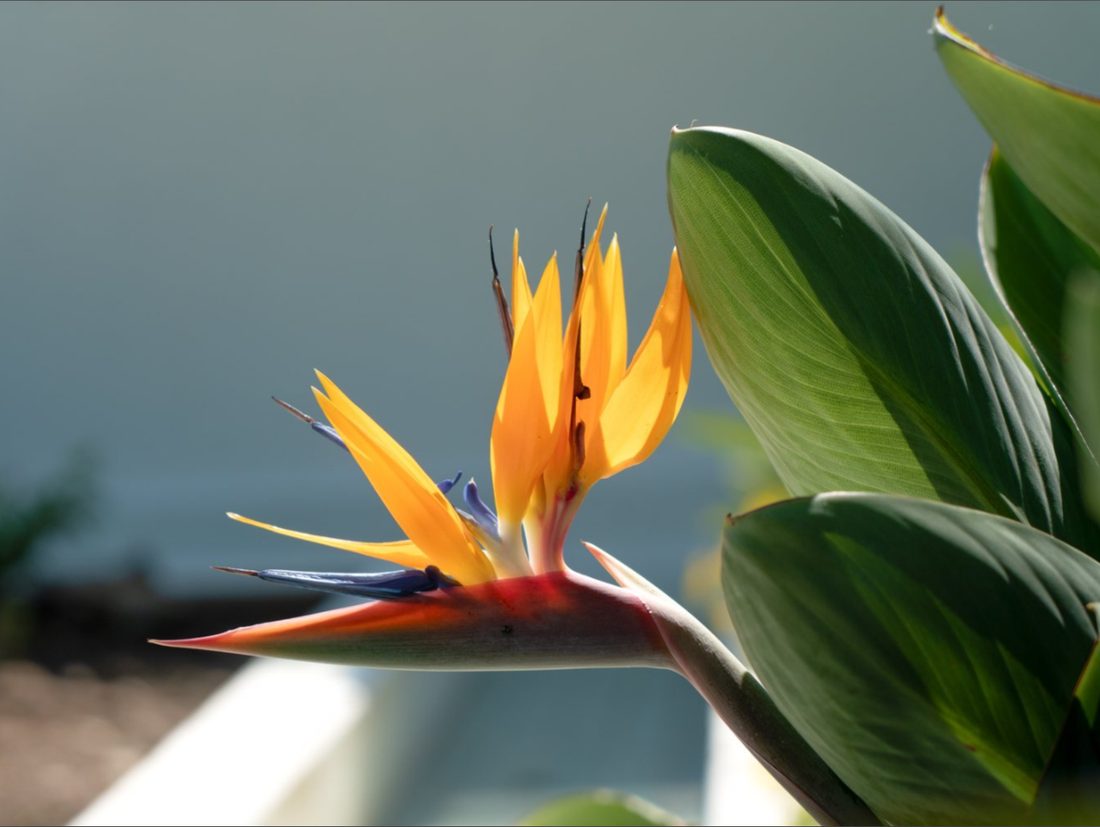
0 · blackEvery value reading uses a 0–10 scale, like the Munsell scale10 · white
Why painters use it
You have one session and wet paint. There is little time to rescue a muddled value or a mix that went chalky, so the thinking has to happen before you start. Each of these common problems has a tool made for it.
Reference · Adjust
The photo fights you
Crop it to your canvas size, then open up blocked shadows and blown highlights before you plan anything.
Value · Notan
The values get muddled
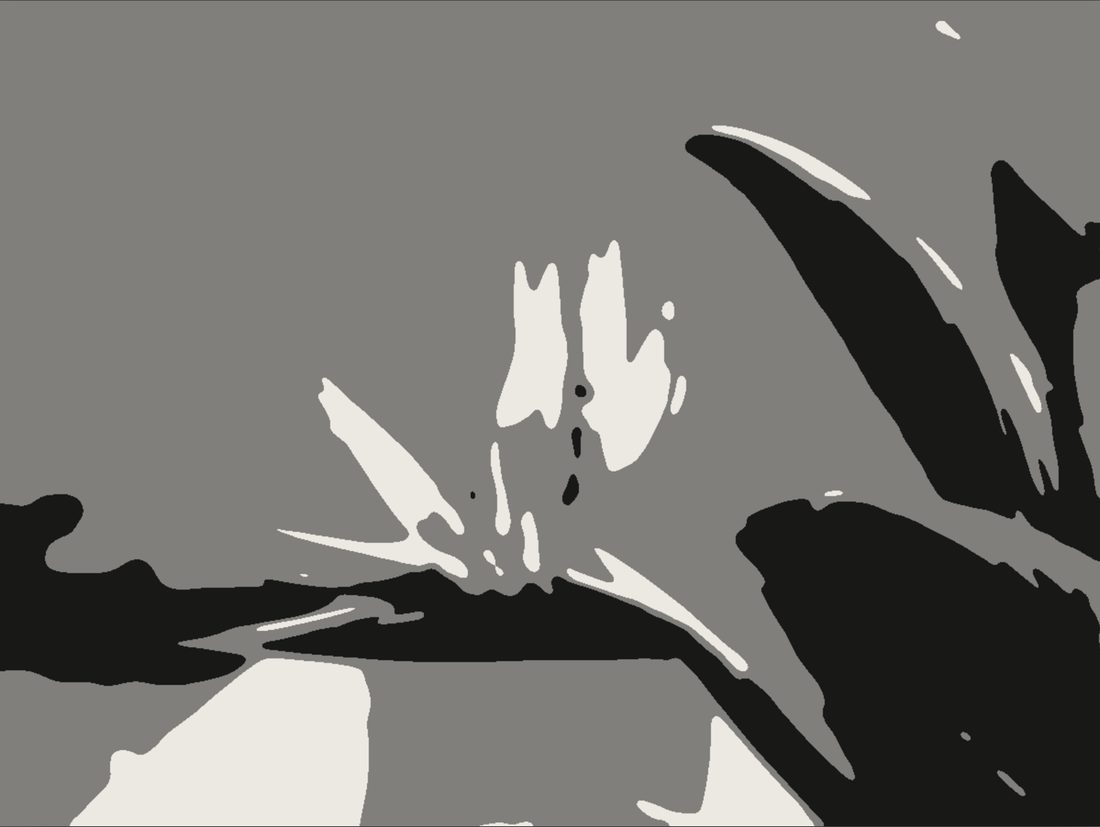
See the light-and-shadow design in two, three or five values, and how much of the canvas each value covers.
Simplify
There are too many shapes
Merge the picture into flat shapes and paint them in layers: the block-in masses, then the modeling, then the details.
Form & modeling
The forms look flat
See each form in three notes of its own color, and as value planes from flat to full volume, the way a brush would model it.
Color mixing · Color check
Mixes turn chalky or muddy
Premix one base pile for each color family, with what to add for its light and its shadow. Get a starting recipe for any other color from the paints you own.
Temperature
The light doesn't glow
See where your shadows, midtones and lights run warm or cool, so each mix keeps the temperature the light gives it.
Edges
Every edge looks the same
Find the hard, firm, soft and lost edges, and see where the hardest ones gather to pull the eye.
Drawing · Proportion check
The drawing drifts
Block in with straight lines and measured angles, then lay a photo of your painting over the reference to see what moved.
How it works
Take a picture or choose one from your library, then crop it to your canvas: standard sizes from 5 × 7 in to 24 × 36 in, or 20 × 20 cm to 50 × 70 cm.
Check the values, simplify the shapes, and read the temperature, edges and planes. Save any view as an image to keep beside the easel.
Premix a base pile for each color family and ask Color check for anything else. The session timer paces you from the block-in to the last accents.
Photograph your painting, line up its corners, and let Proportion check show where shapes, values or colors have drifted.
What's inside
Every picture on this page is a real screen from the app.
Crop the photo to your canvas size, with rule-of-thirds, grid and armature lines to settle the composition first.
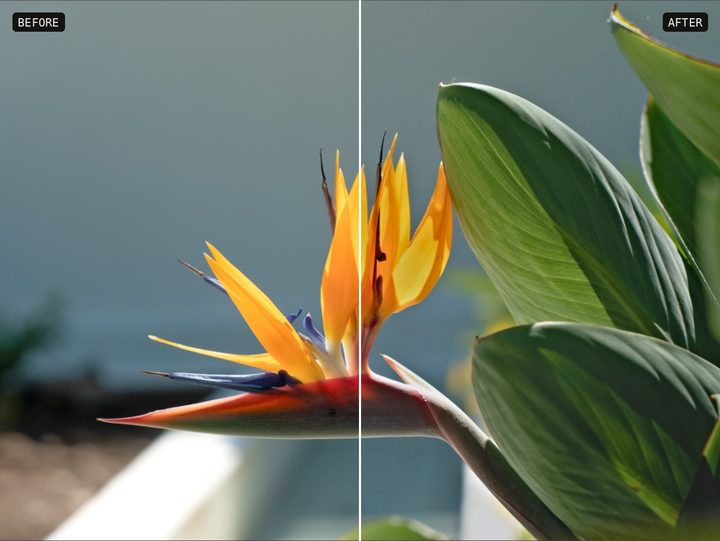
Fix the reference before you plan: exposure, contrast, highlights, shadows, temperature, saturation, clarity and detail.
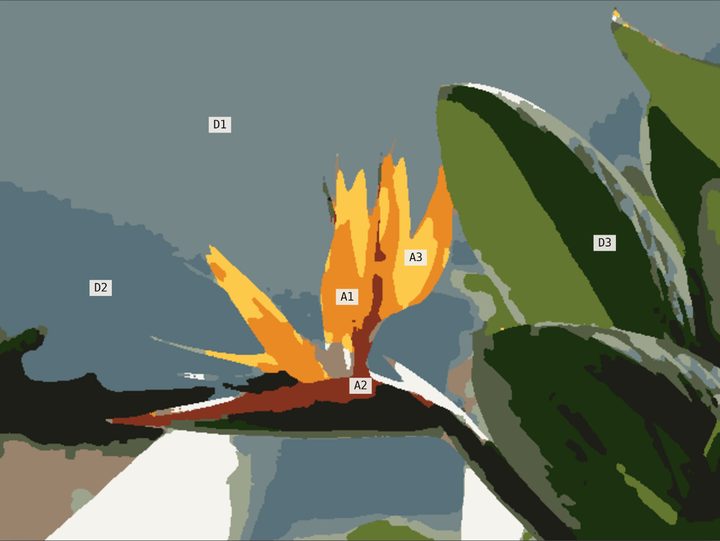
Finds the dominant, range and accent colors, marks where each one sits, and gives a mix for each.
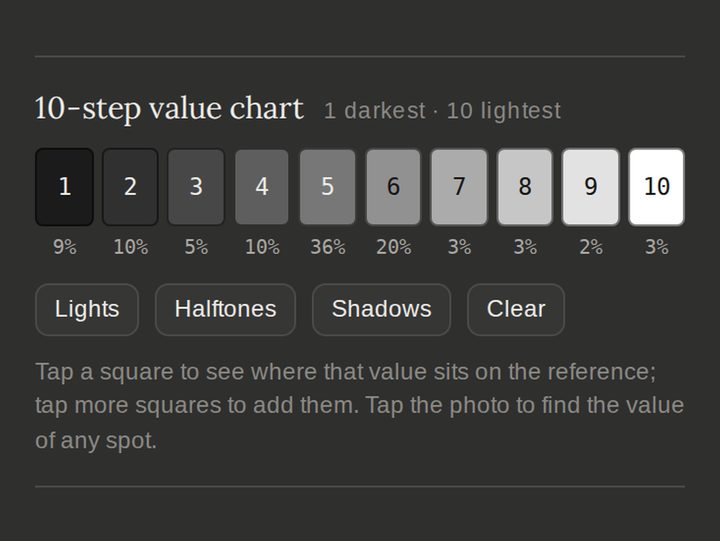
The full value range in gray, grouped into as few steps as you like, and a 10-step chart of how much of the picture each value covers.
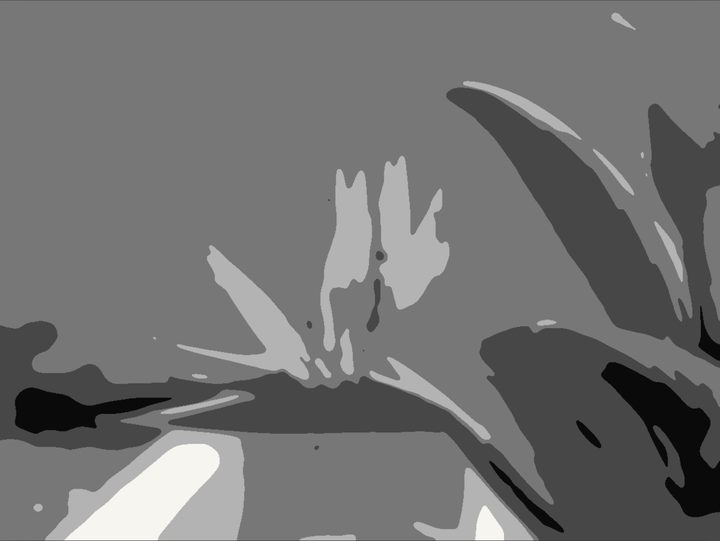
Two, three or five values. Adjust where the values split, and see the lights or the shadows in color.
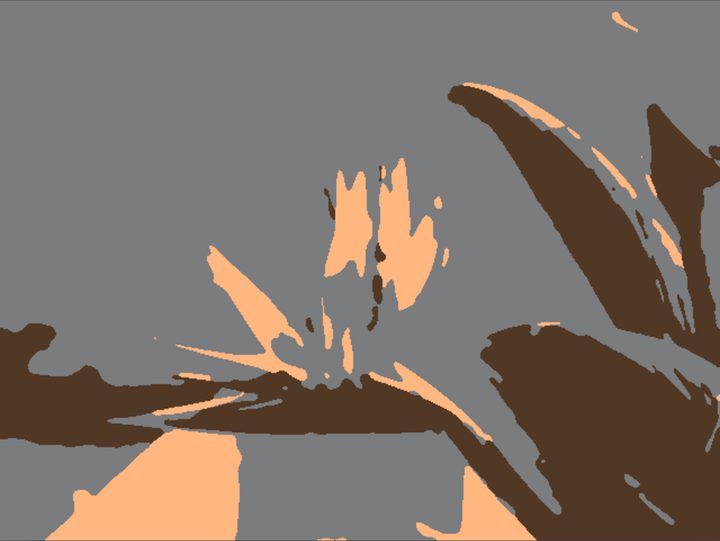
Warm and cool across the picture, by value family and within each family, plus a suggested tone for your canvas.
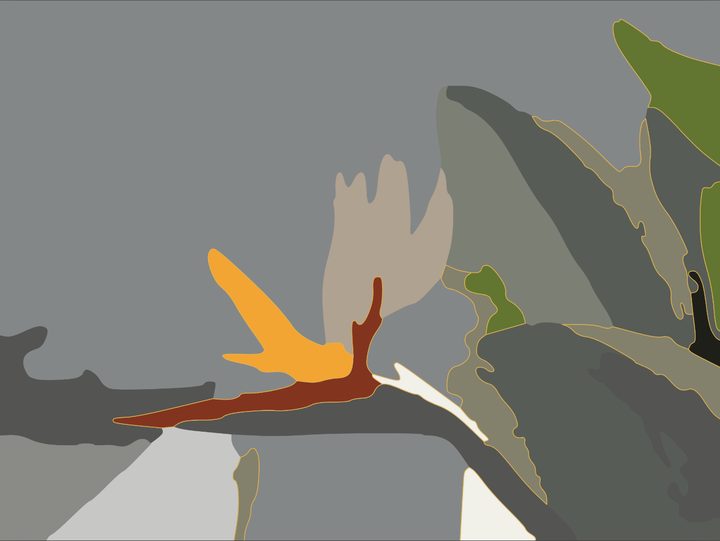
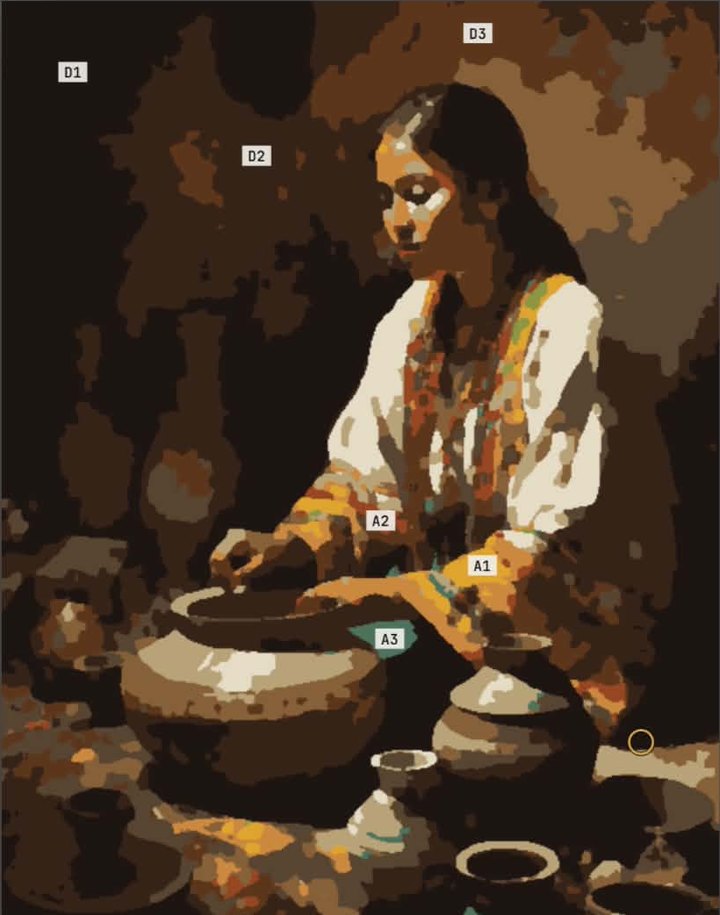
Flat shapes to paint in layers: block-in masses with a large flat, modeling with a medium filbert, details with a small round.
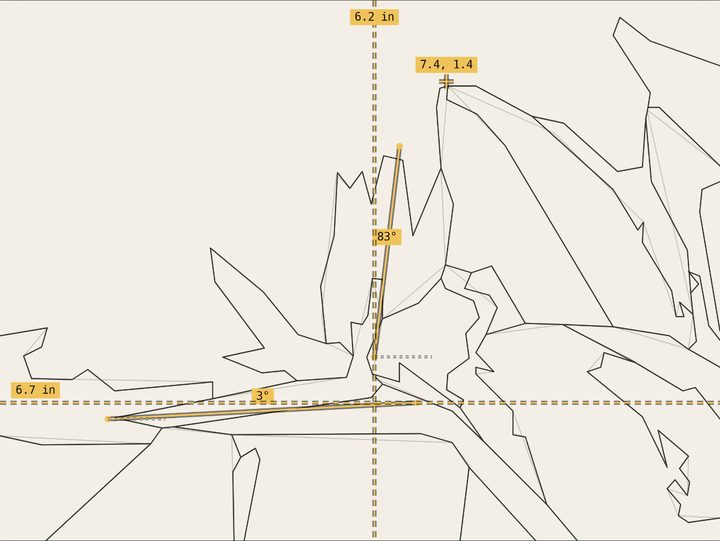
Straight lines or contours in four stages, from the envelope to the shadow map and the edges, with angle, plumb, level and point measurements.
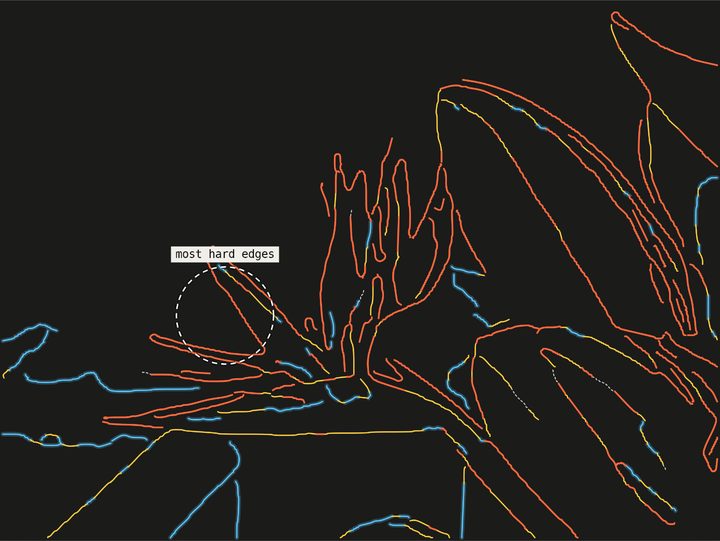
Hard, firm, soft and lost edges in four colors, with the area of hardest edges circled as a natural focal point.
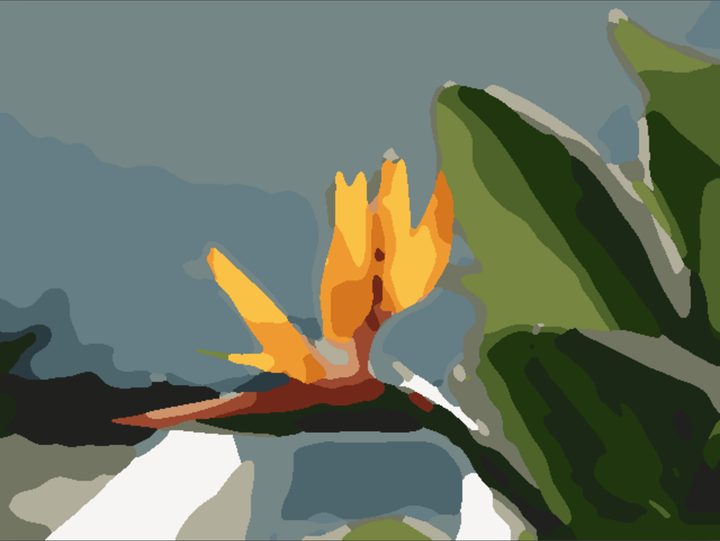
Each form in three notes of its own local color, value planes from flat to volume, and a brushwork preview with flat, filbert and round brushes.
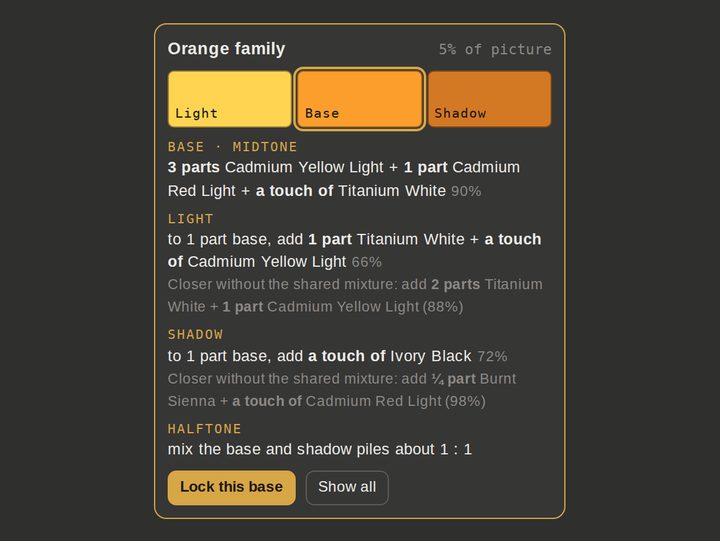
A base, light and shadow recipe for each color family. Lock the bases into a mixing plan you can save as an image.
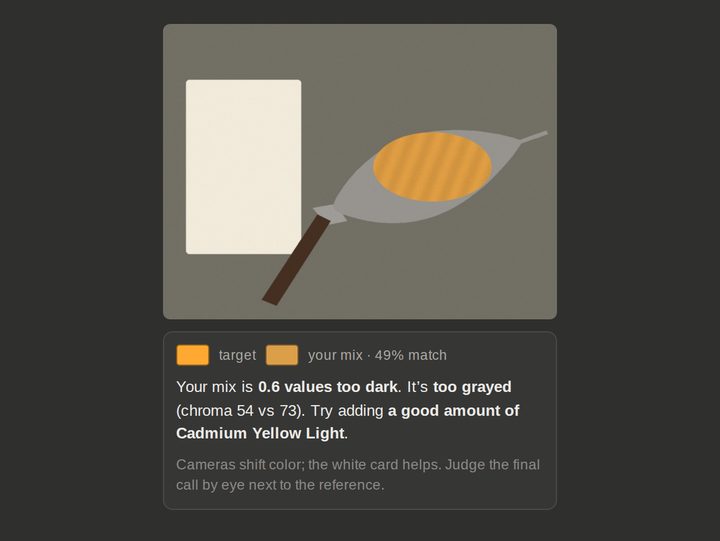
A starting recipe for any color in your reference, another photo or a color you type in. Photograph your mix to hear if it's too light, too warm or too dull.
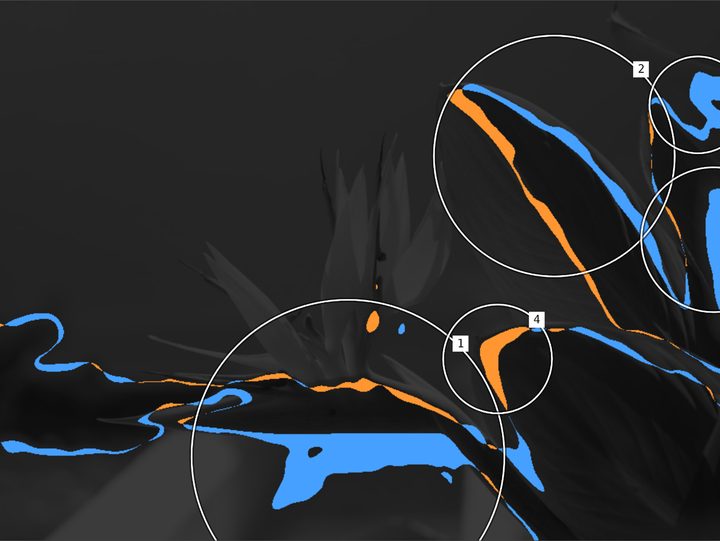
Photograph your painting and compare: ghost it over the reference, flicker, wipe across, or let Difference circle what moved.
At every level
Learn to see in values and simple shapes before you think about detail. Paint in layers, big shapes first, and start each mix from a recipe instead of guessing.
Plan how temperature shifts from light into shadow, keep mixes related with base piles, and choose which edges stay sharp. Check your values halfway, while the paint is still wet.
Plan faster, test crops and limited palettes, and check proportions mid-session. Show students the values, shapes and mixes behind a demonstration.
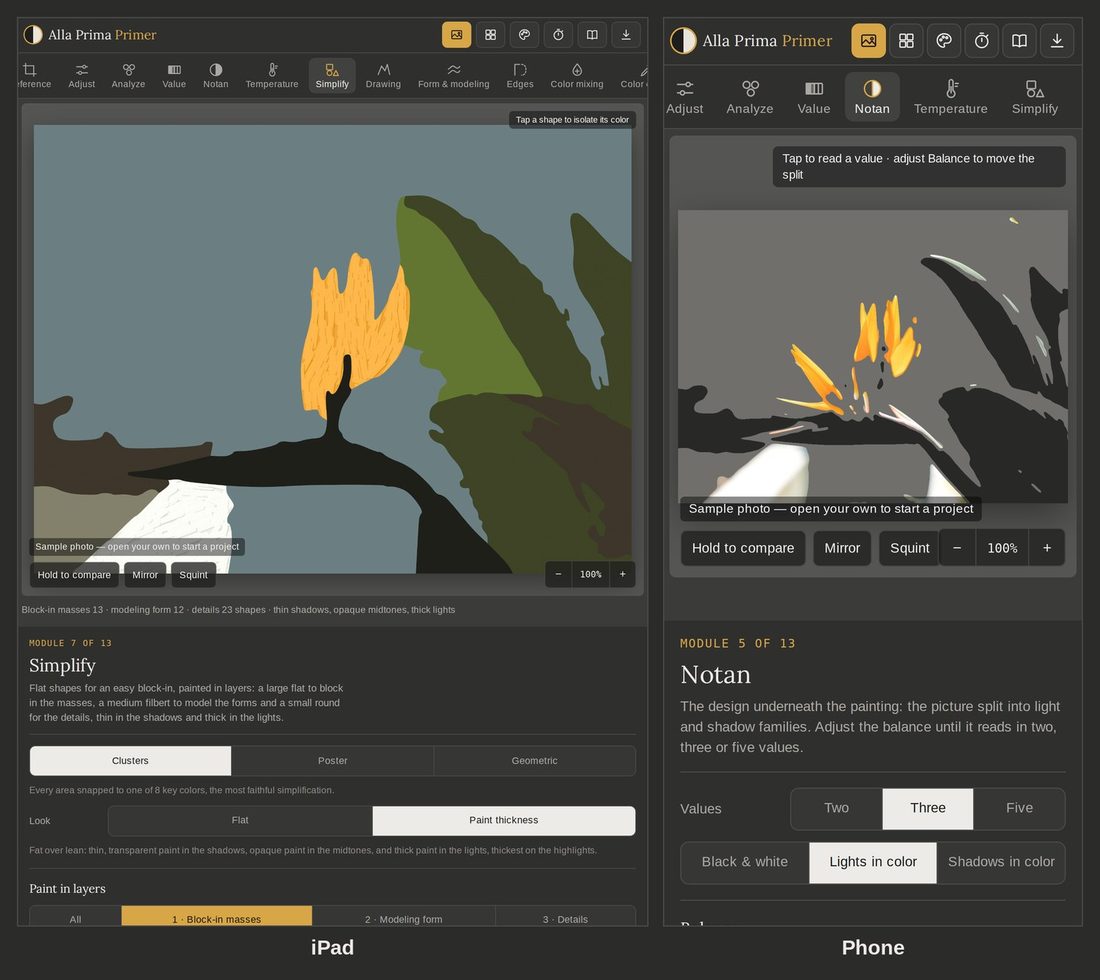
Works where you paint
Founding artists
Alla Prima Primer is new. Founding artists get it at the launch price, with every version 1 update included. Tell me what helps your painting and what gets in your way; your feedback will shape the next updates.
One-time purchase, with every version 1 update included.
Become a founding artistFrom the artist
I’ve been a professional fine artist and educator for several decades, and I know how much every creative project depends on the planning stage. When my students struggle with alla prima, the cause is usually poor planning, an unclear intention, or not yet knowing how to interpret the subject, whether they paint from a photo or from life. I created Alla Prima Primer to help artists at every level make better decisions before they begin painting. I use it myself, and it makes alla prima painting quicker, easier and more enjoyable. I hope you’ll find it just as useful.
— T. ZimmerFine artist and educator
Pricing
One-time payment. No subscription.
14-day money-back guarantee · Secure checkout by Stripe, with cards, Apple Pay, Google Pay and more. Prices in US dollars; sales tax or VAT is added at checkout where it applies.
Questions
No. You pay once and keep it, with every version 1 update included.
Right after checkout you see your license key on the thank-you page, and it's emailed to you too. Open allaprimaprimer.app on your iPad, phone or computer, enter the key, and add the app to your home screen.
Up to 3 of your own devices with one license key, for example your iPad, phone and laptop. If you replace a device, remove the old one in the app to free its place, or write to us.
A recent iPad, iPhone, Android phone or tablet, Mac or Windows computer, with an up-to-date browser such as Safari, Chrome or Edge.
Only to enter your key the first time on each device. After that it works offline, in the studio or out painting on location.
No. The app runs on your device. Your photos and projects are stored in your browser and never sent to a server.
They are modeled from your photo and the paints you choose, so treat each one as a starting point. Every recipe shows a match score, and Check my mix helps you correct the pile by eye.
The planning tools work for any medium: values, shapes, temperature, drawing, edges and proportion checks. The mixing recipes are written for oil paint.
26 common oil colors, from Titanium White to Ivory Black, with palette presets such as the Zorn palette. You can add your own paints with their color and tinting strength.
Your version 1 keeps working, with all of its updates. If a version 2 ever comes out, you choose whether to buy it.
Write to info@allaprimaprimer.com within 14 days of buying and you get a full refund, no questions asked. See the refund policy.
One-time purchase · 14-day money-back guarantee
Get Alla Prima Primer · $29